The whole product, with pictures#
A wallet for agents, from nothing to a paid call, in the order the dashboard walks you through it. Every picture is the real page.
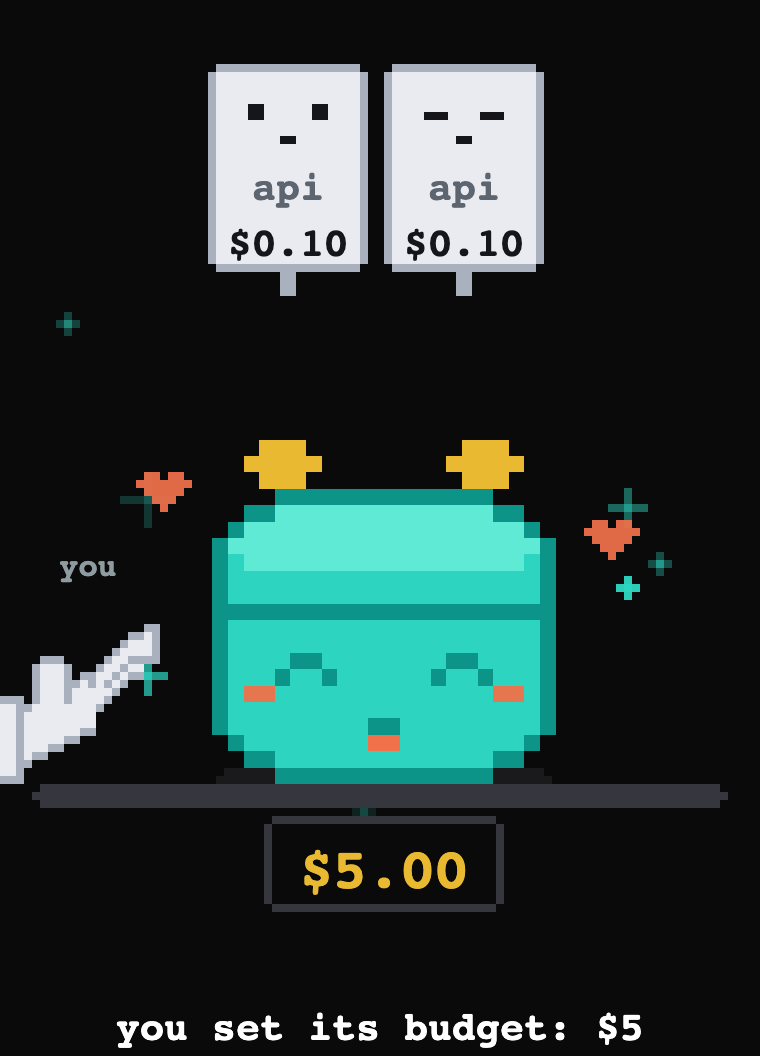
What you are looking at#
mechawallet gives your agent a wallet: a small burner holding USDC that we keep the key to, so the agent can pay any x402 endpoint with one call and never touch a key, a chain or gas. You fund it, your agent spends what it holds, and when the job is done you burn it: what is left goes to an address of yours and the receipts stay.
The wallet is the budget. There are no limits to set, because the balance already is one: fund five dollars and the agent can spend five dollars. If it goes wrong, it can lose the budget and nothing else. Your own money is never in its hands.
What this costs
Your first three wallets are free; from the fourth on, a wallet owes a small opening fee, taken from the wallet itself the first time it holds a dollar. A thousand payments a month are free, then a fraction of a cent each. Funding through a wallet's link costs the sender one cent on top. Burning is free. The numbers live on one page, the price list, and the dashboard quotes the cost of each action in front of you.
1. Open a wallet#
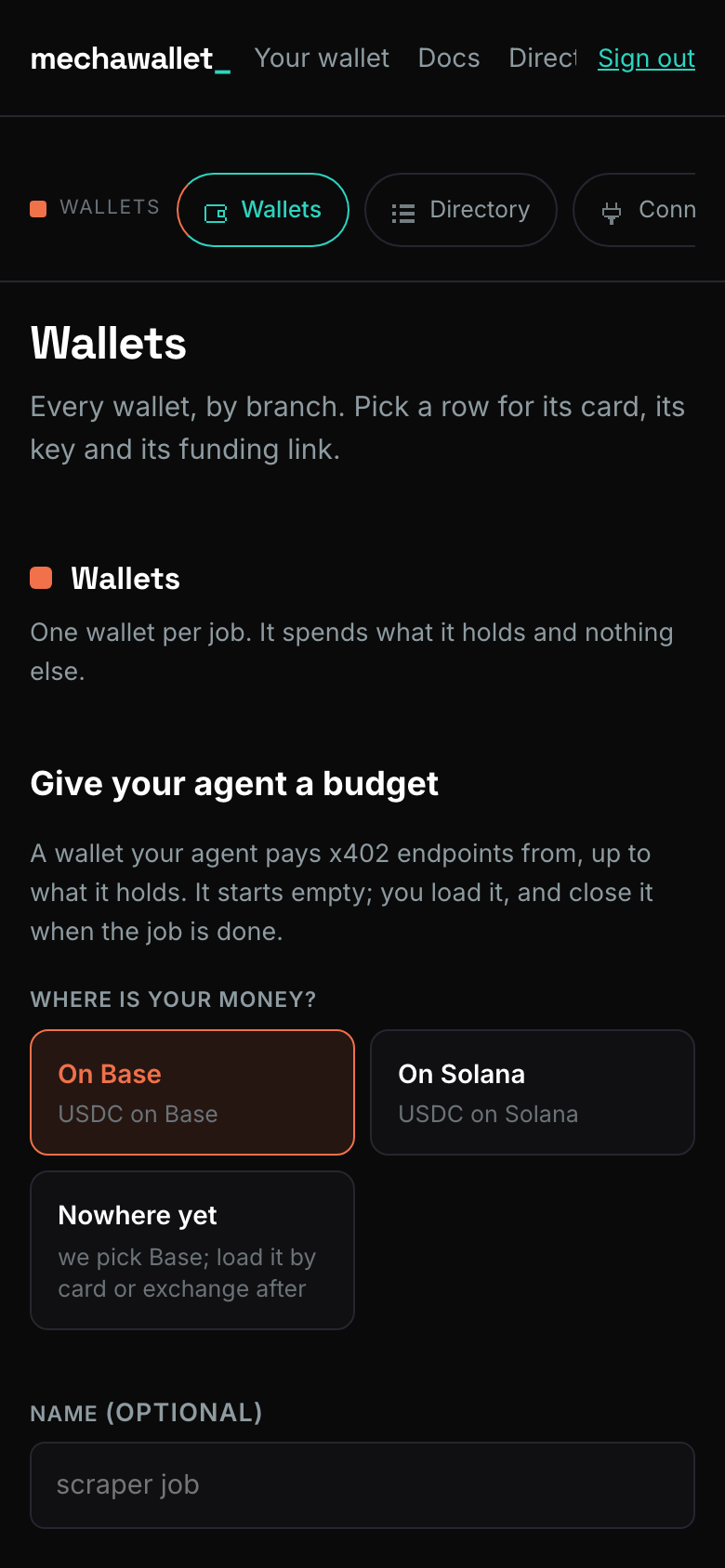
Sign in with an email, and the first screen is the wallet screen: pick a chain (Base or Solana), name the wallet after its job, read the three lines, tick the one that matters, and press Open my wallet.
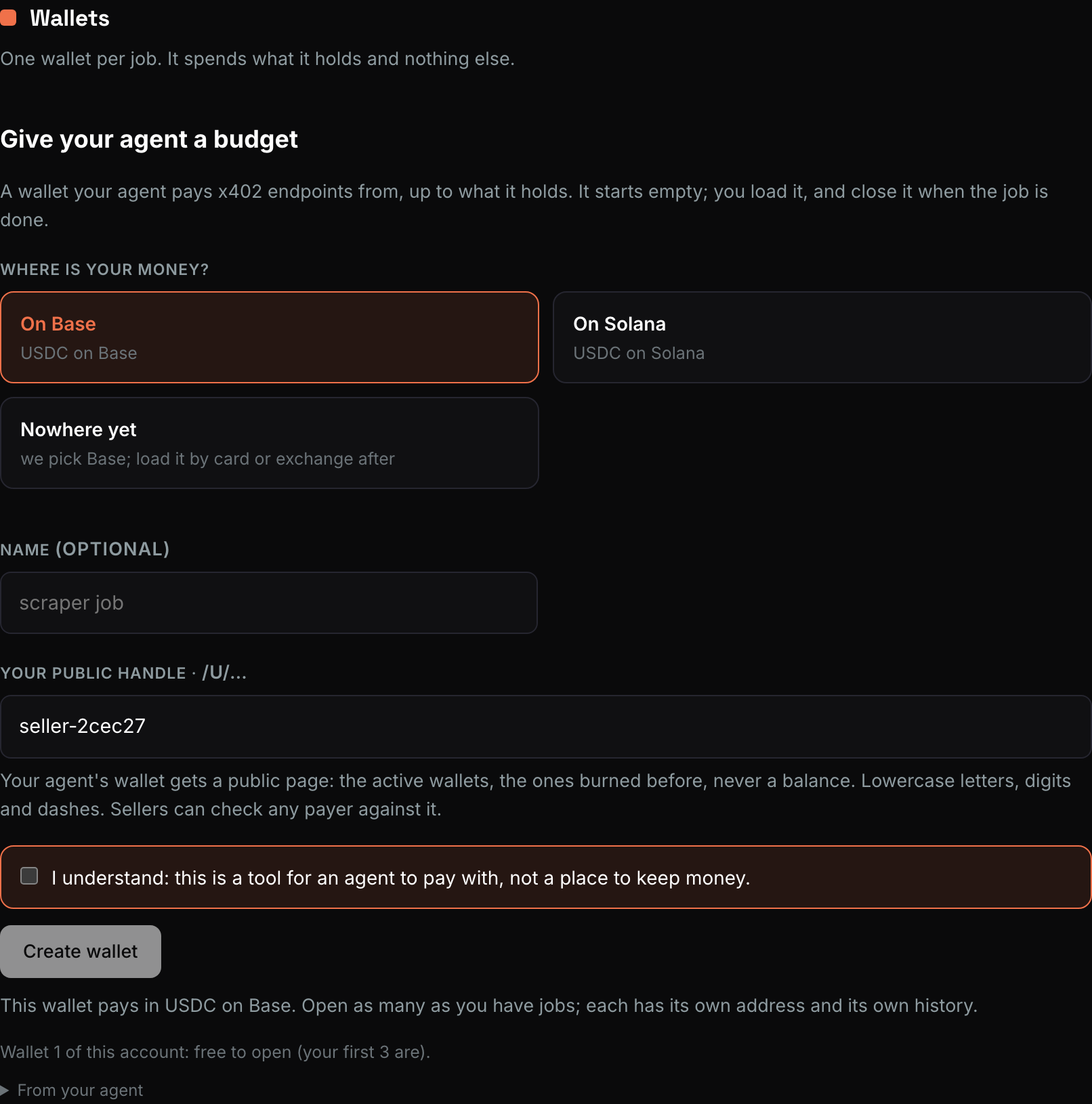
The line you tick is the whole contract: this is a tool for an agent to pay with, not a place to keep money. It is recorded once per account, on this click, and the wallet opens in the same moment, in your Main branch, with its own key. Nothing else stands between you and spending.
On a phone the same screen stacks; nothing is hidden behind a menu.
2. Give your agent the key#
The wallet exists and is empty. The next thing is not money, it is the agent: with a key it can already rehearse a purchase on a test checkout for free.
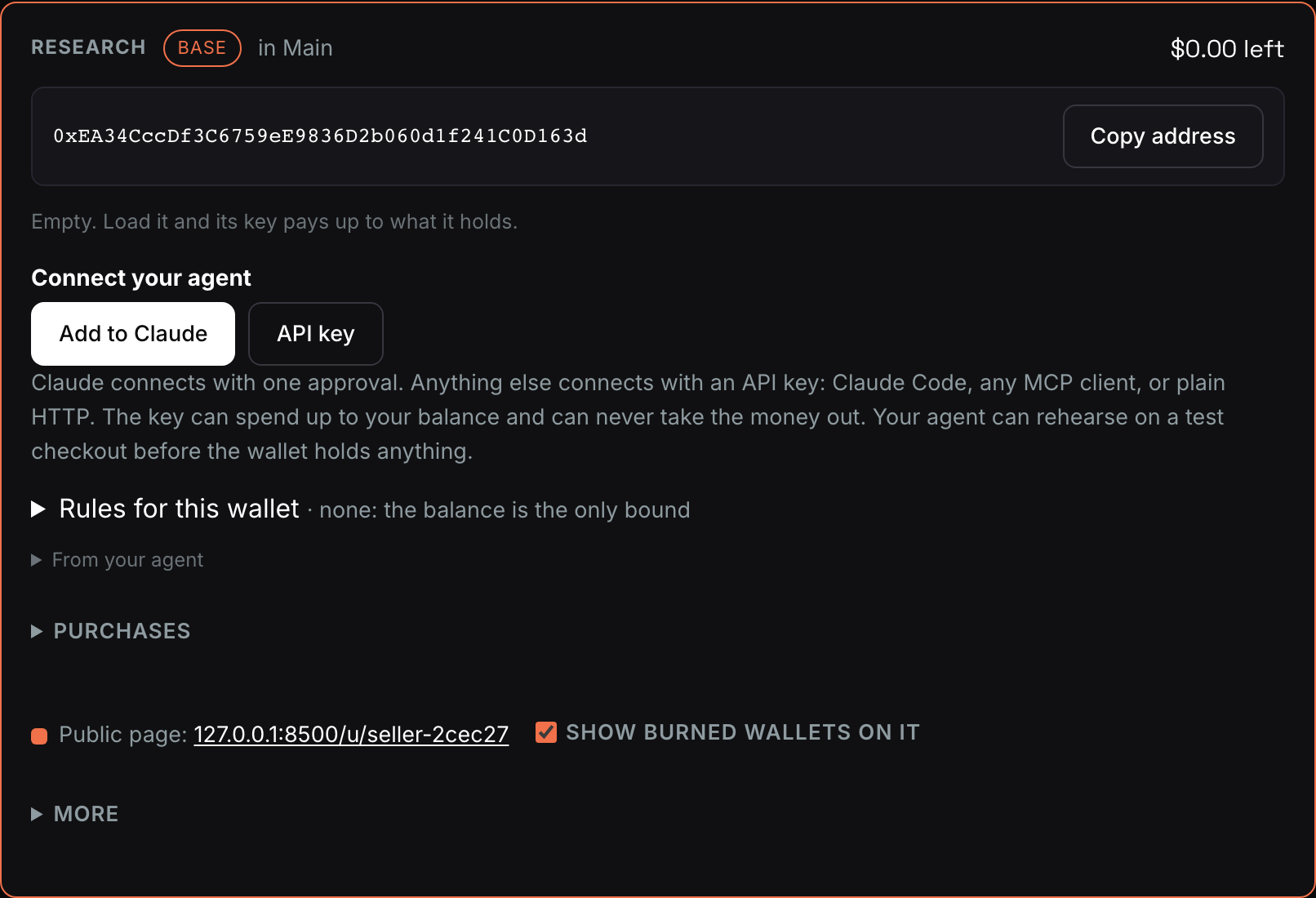
Every wallet has its own key, shown on its card the moment it opens. It pays from that wallet only and can never reveal anything, open anything or move money out. Four ways to hand it over:
- Add to Claude: one approval in Claude's connector screen, nothing to paste. It renews itself.
- Claude Code: one command, with the key in the header.
- MCP configuration: the JSON any MCP client accepts (Cursor, Windsurf,
Claude Desktop, your own): a streamable HTTP server at
/mcpwith the key in theAuthorizationheader. - Plain HTTP:
POST /v1/spending-wallets/{wallet}/paywith the same key.
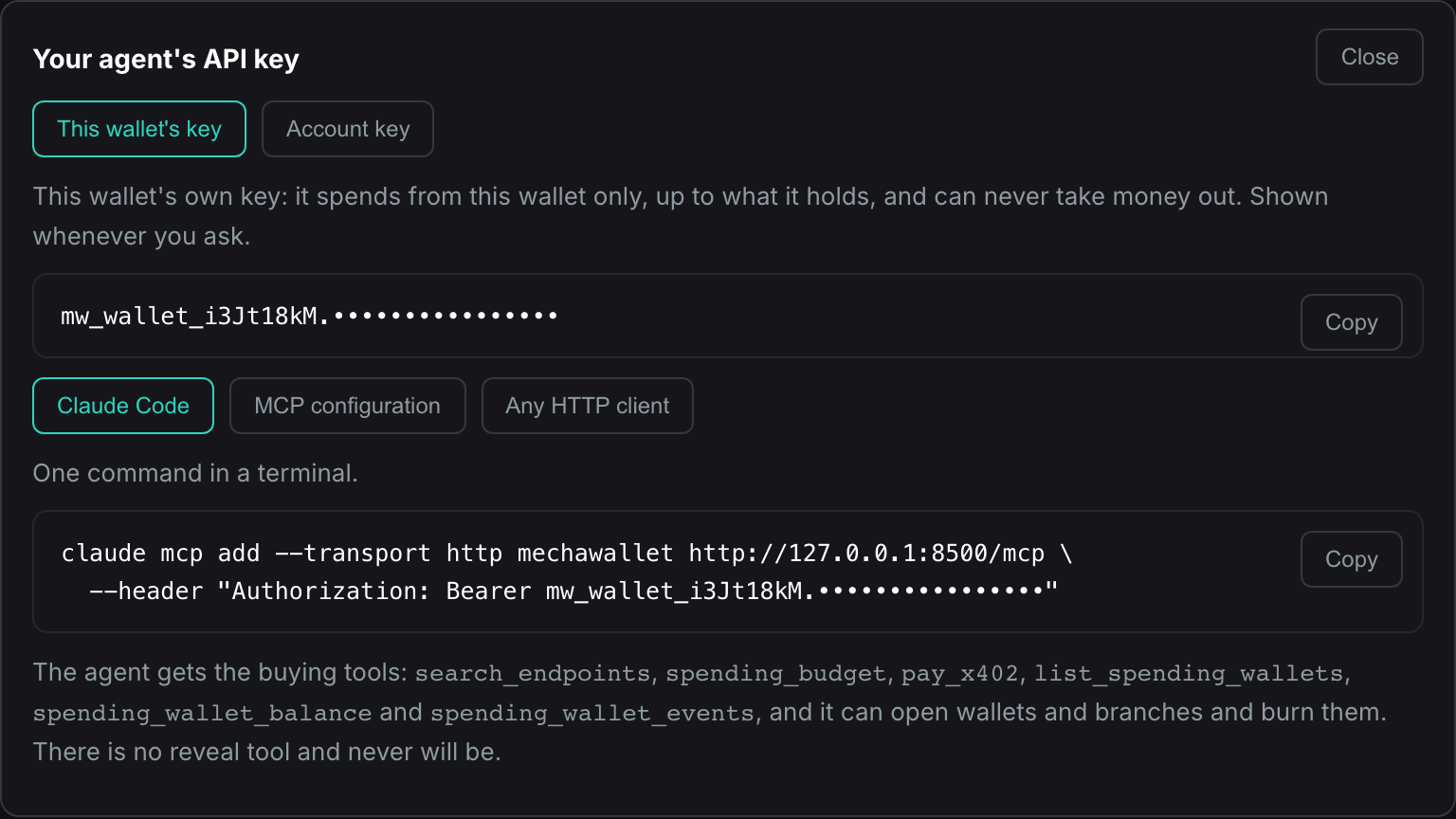
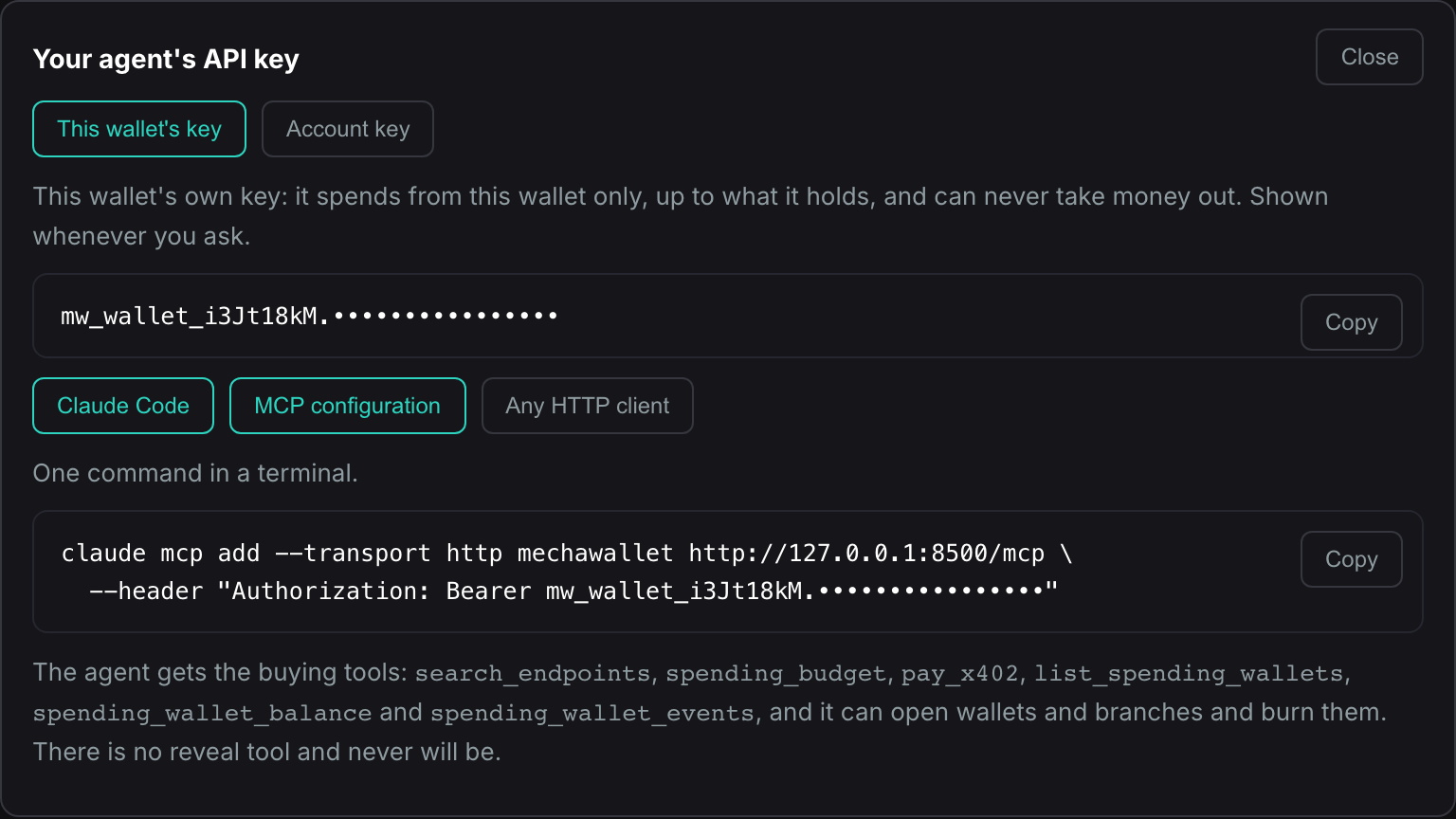
Over MCP the agent gets search_endpoints (what it can buy),
spending_budget, pay_x402, the wallet list, balances, events and stats,
funding links and transfers, and it can open and burn wallets and branches.
Three things stay yours alone, in the dashboard: acknowledging what a wallet
is, setting a burn address, and revealing a key. When a tool needs one of
those it answers needs_person with the step and the link.
3. Fund it#
Send money to is the sheet under the card. Pick an amount ($5 is plenty for a first job) and use the door that matches where your USDC is: a browser wallet on this desktop, a wallet app on your phone (MetaMask on Base, Phantom on Solana), the QR, or the link itself, which anyone or any agent can pay. The address, the token and the chain travel inside the request; you only confirm. When you have sent it, press Check balance: the page reads the chain once and the card wakes when the money is there.
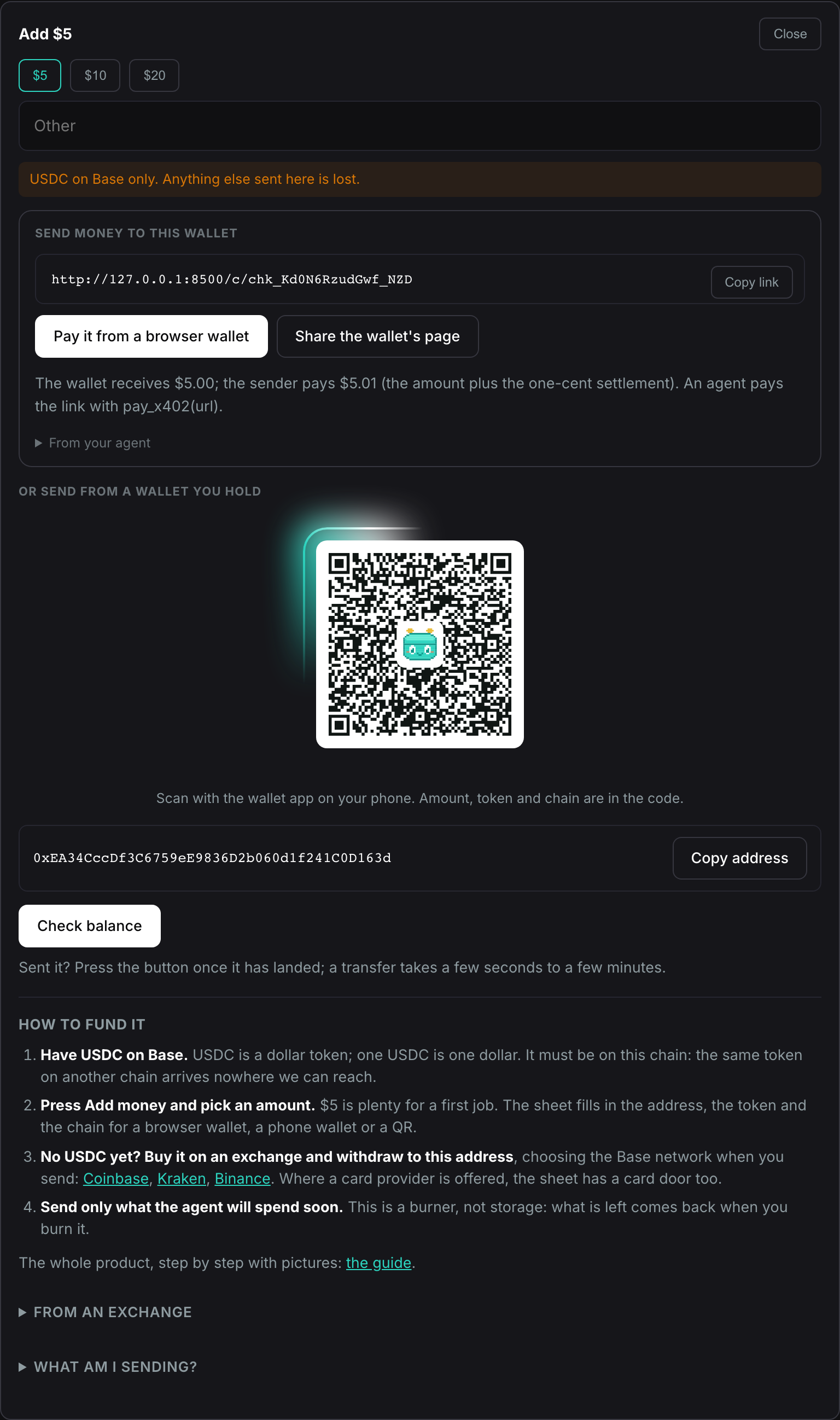
The link is a page too, at /fund/{address}, that needs no sign-in: send it
to whoever pays.
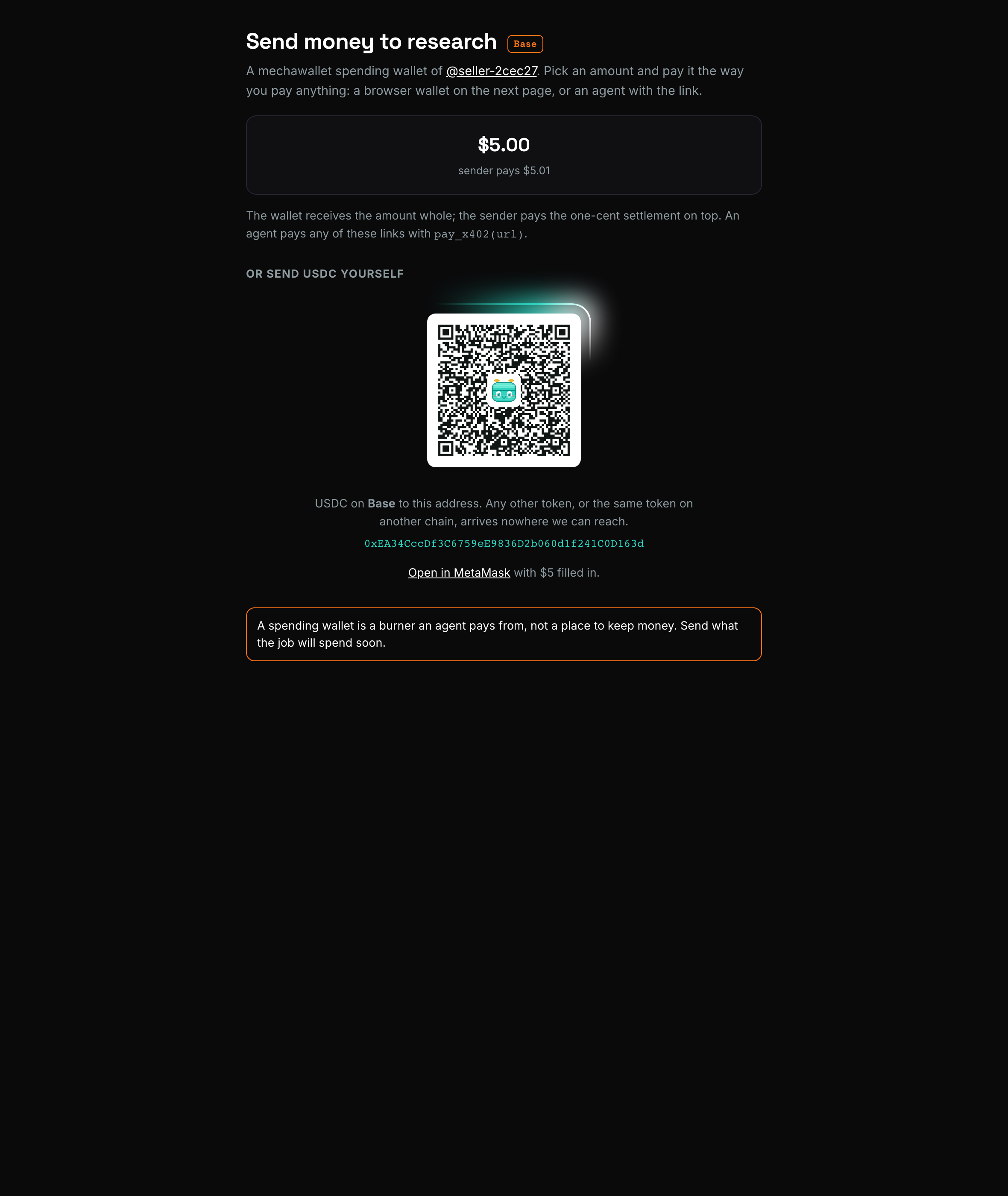
A free wallet is ready from the first cent. A wallet that owes the opening fee shows a loading bar until it has held one dollar once, so the fee has something to come out of; below that it can receive money and rehearse but not pay. The card says so, and so does every refusal. USDC only, on the wallet's own chain. Send only what the agent will spend soon. This is a burner, not storage.
4. Ask your agent#
Press Try it free on the card and the wallet pays a rehearsal checkout
itself, through the real pay path, and shows the receipt on the card. Or
hand the loop to your agent: the page shows one line to paste into your
agent, pointing at a rehearsal checkout whose /test face settles with a
synthetic receipt and no funds:
Buy this for me from my research wallet, up to $0.10: https://api.mechawallet.com/c/chk_…/test
Then ask for anything real. The agent reads the endpoint's 402, checks the
price against the balance, pays, and returns the goods with a receipt. Not
sure what to buy? search_endpoints("weather") lists live endpoints with
verified prices and the reviews of accounts that paid them, and every row is
one pay_x402(url) away. People get the same list at
/explore.

5. One wallet per job#
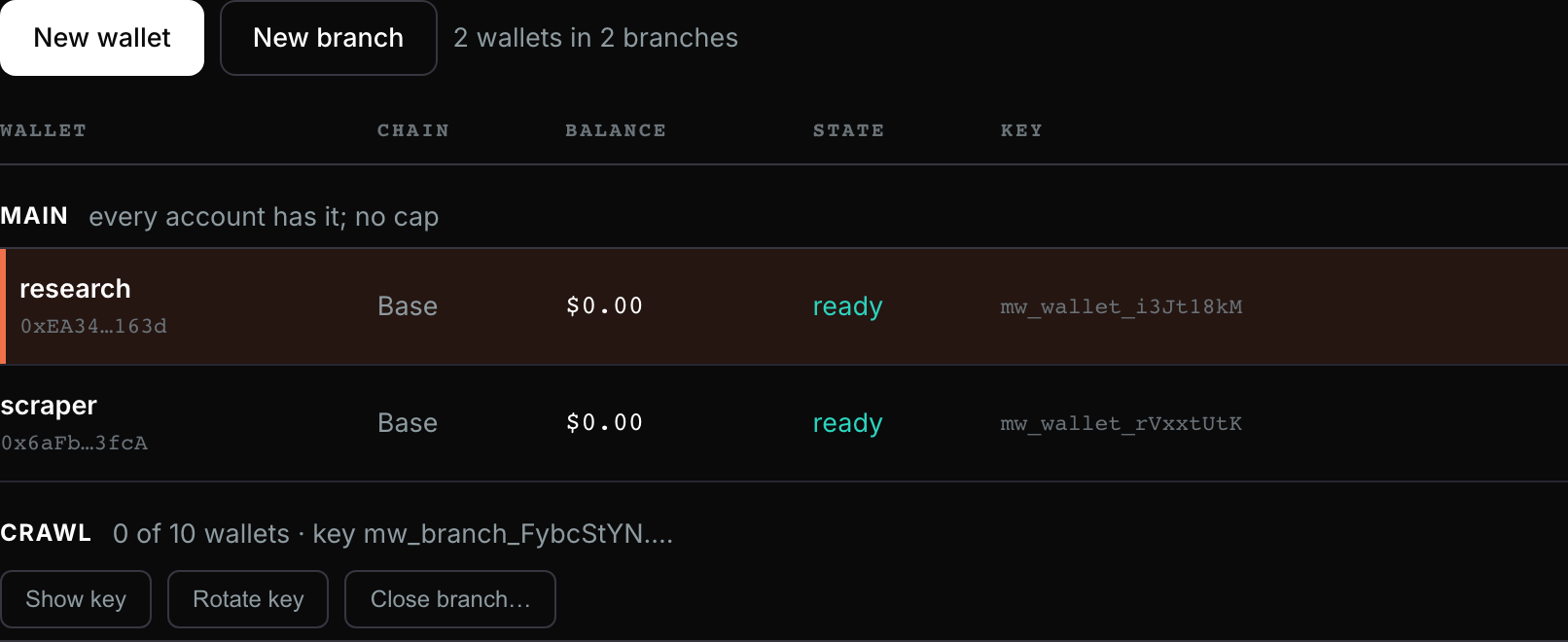
Wallets are cheap, so the safe default is a fresh one for each task. Open a wallet in the rail opens another; Branches groups the wallets of one job and pays through one rule (newest first, oldest first, or your order), with a key of its own that may open more wallets in the branch.
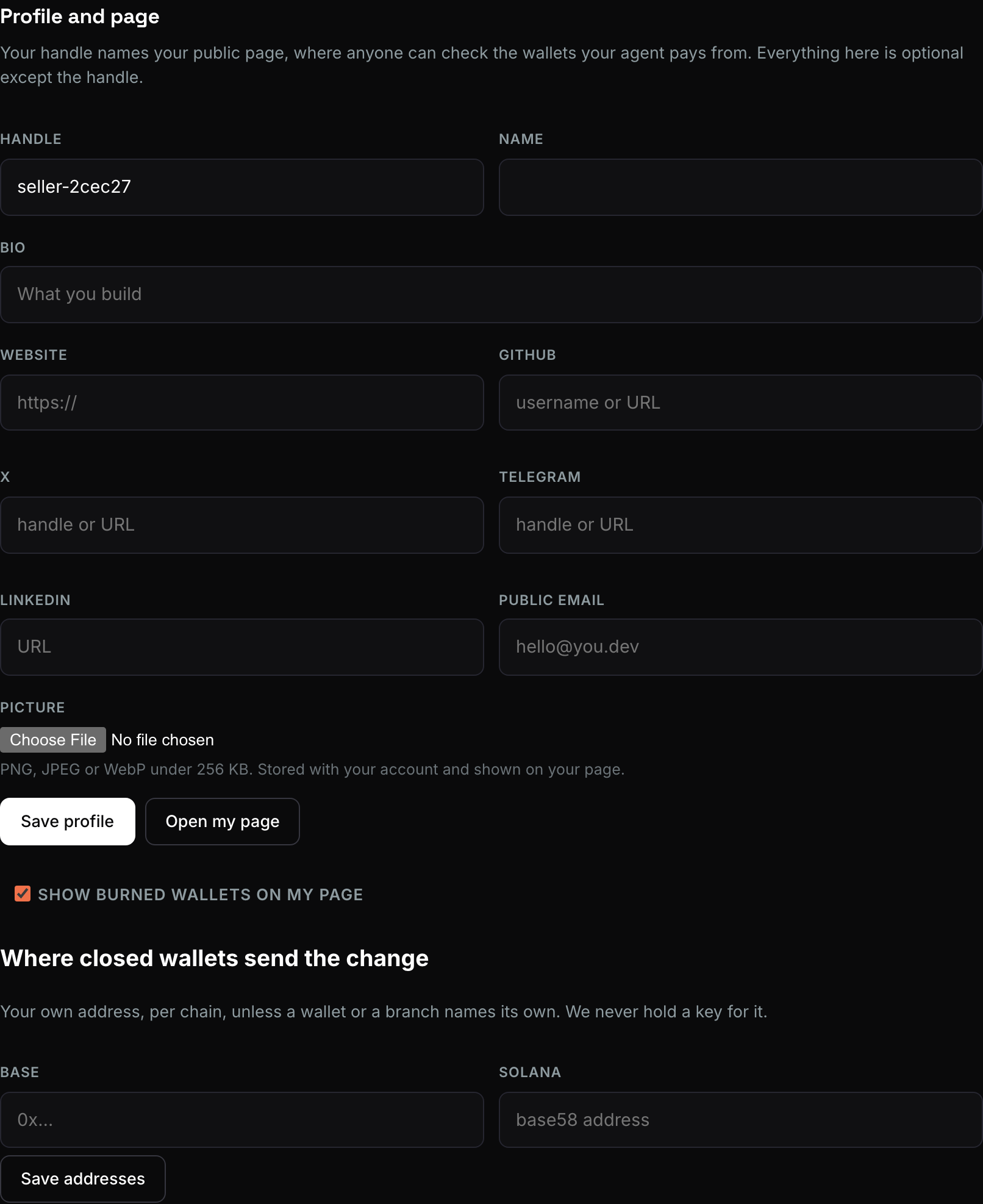
Under Account you set your handle, picture and page, the burn address per chain, and read Costs: the price list and everything this account has been charged, with a CSV.
6. Receipts#
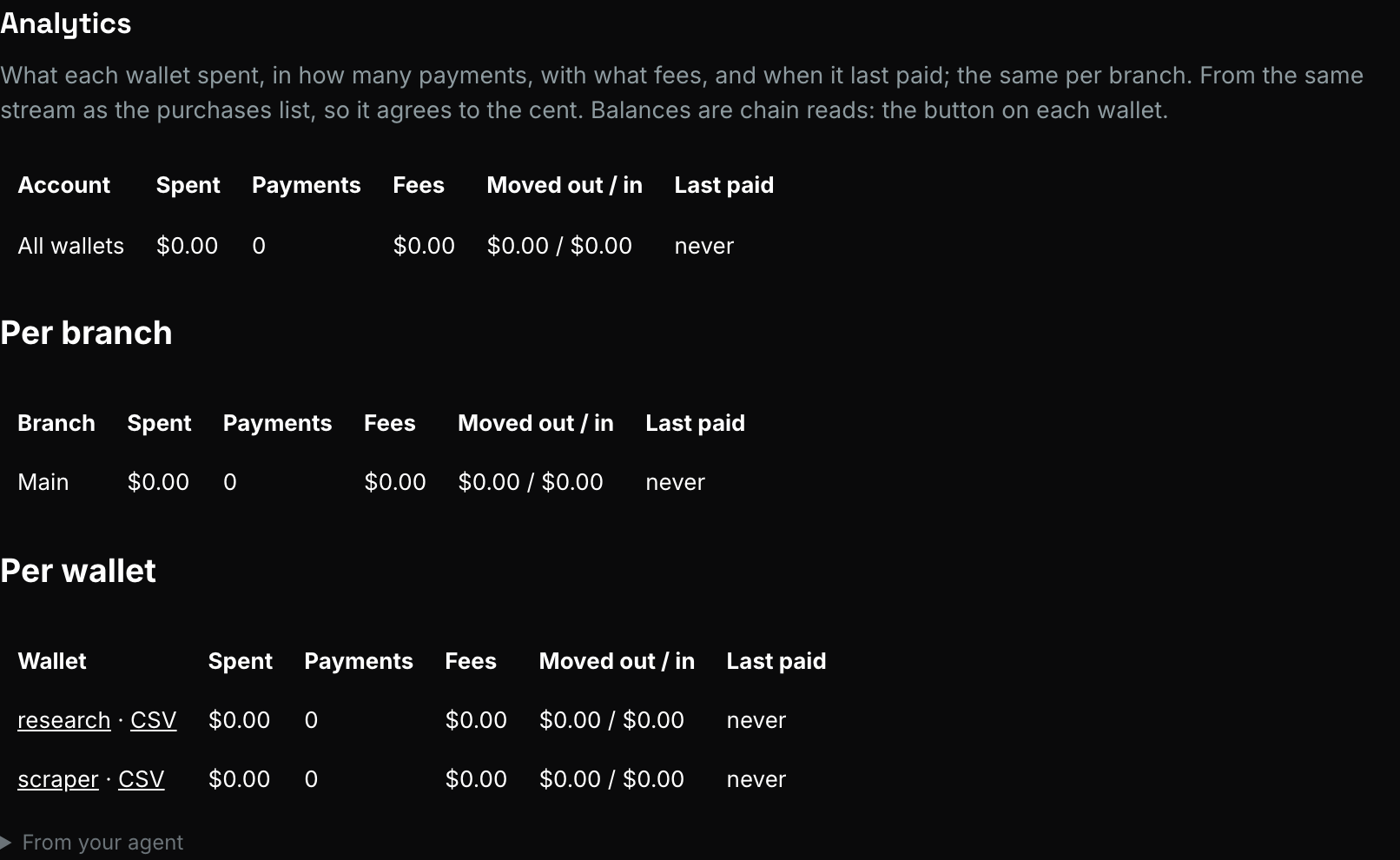
Activity shows spent, payments, fees and last paid per wallet and per
branch; every wallet keeps its own list of what was bought, from which
site, for how much, who asked, and any refusal with its reason. The same
list is spending_wallet_events over MCP and
GET /v1/spending-wallets/{wallet}/events, with a CSV at /events.csv. It
is the wallet's own story.
7. Burn it when the job is done#
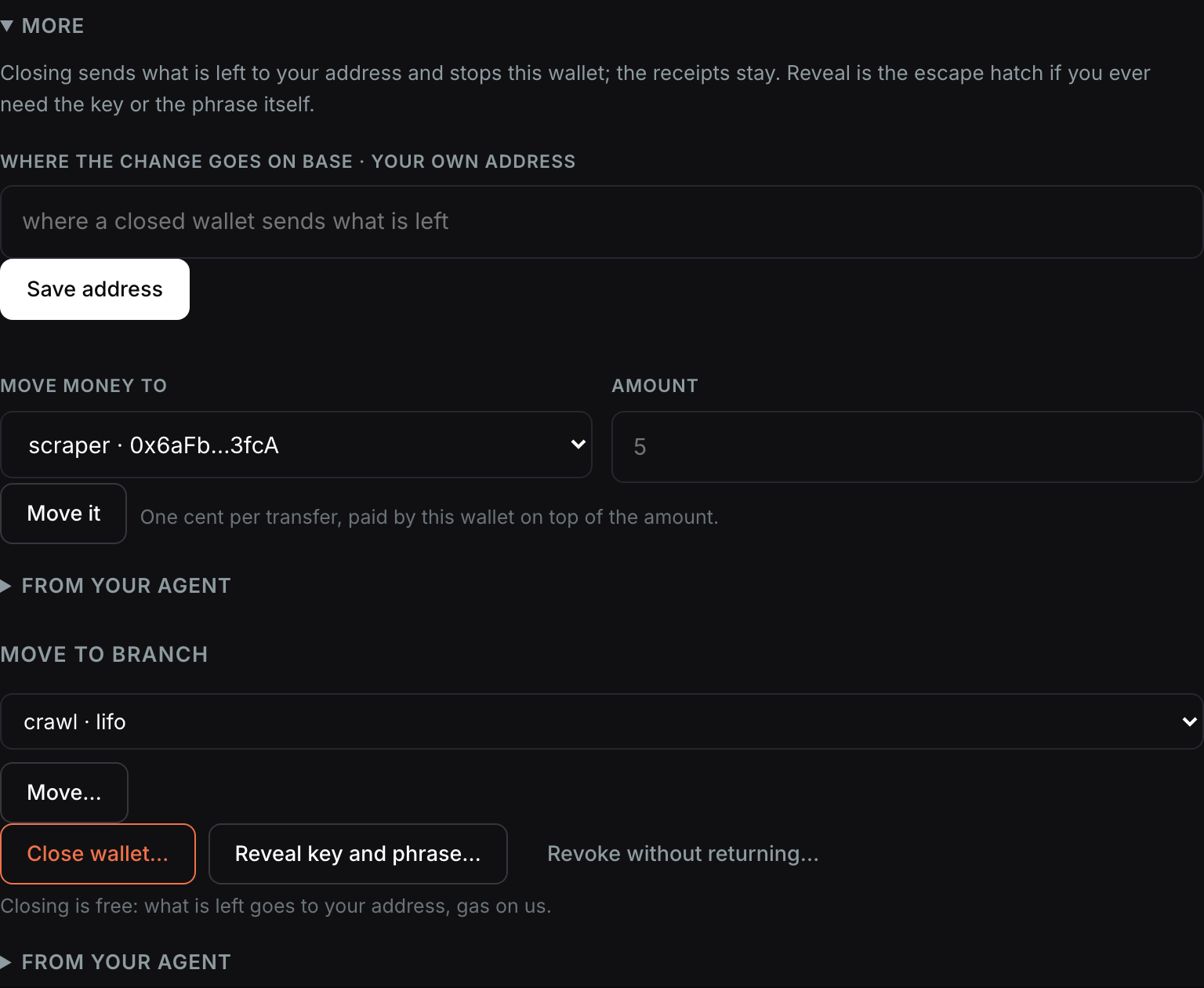
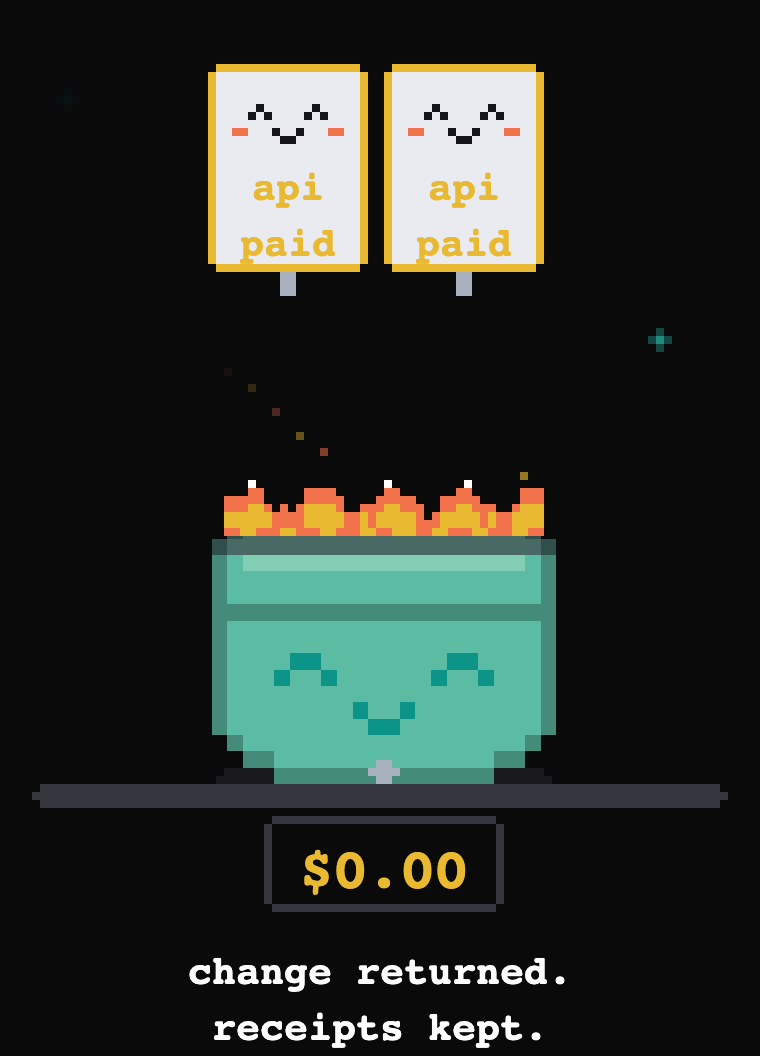
Burn on the card. Anything the wallet owes is collected first, the rest goes to your burn address on that chain (set it under Account; the card says where), the wallet closes, and it moves to Archive with its history. Agents can no longer pay from it; the next job gets a fresh wallet. Reveal key and phrase is the escape hatch if you ever want the key itself.

Where to next#
- Wallets, branches and keys: every step in depth, the tools, what is recorded.
- Funding and burning: the Send money to link, transfers, burn addresses.
- Connect Claude: the connector, Claude Code and every MCP client.
- Costs: the price list, from one place.